The first time I gave the UGREEN MagFlow Pro 10,000mAh (model PB793) a full recharge, I didn’t leave it on the desk and walk away.
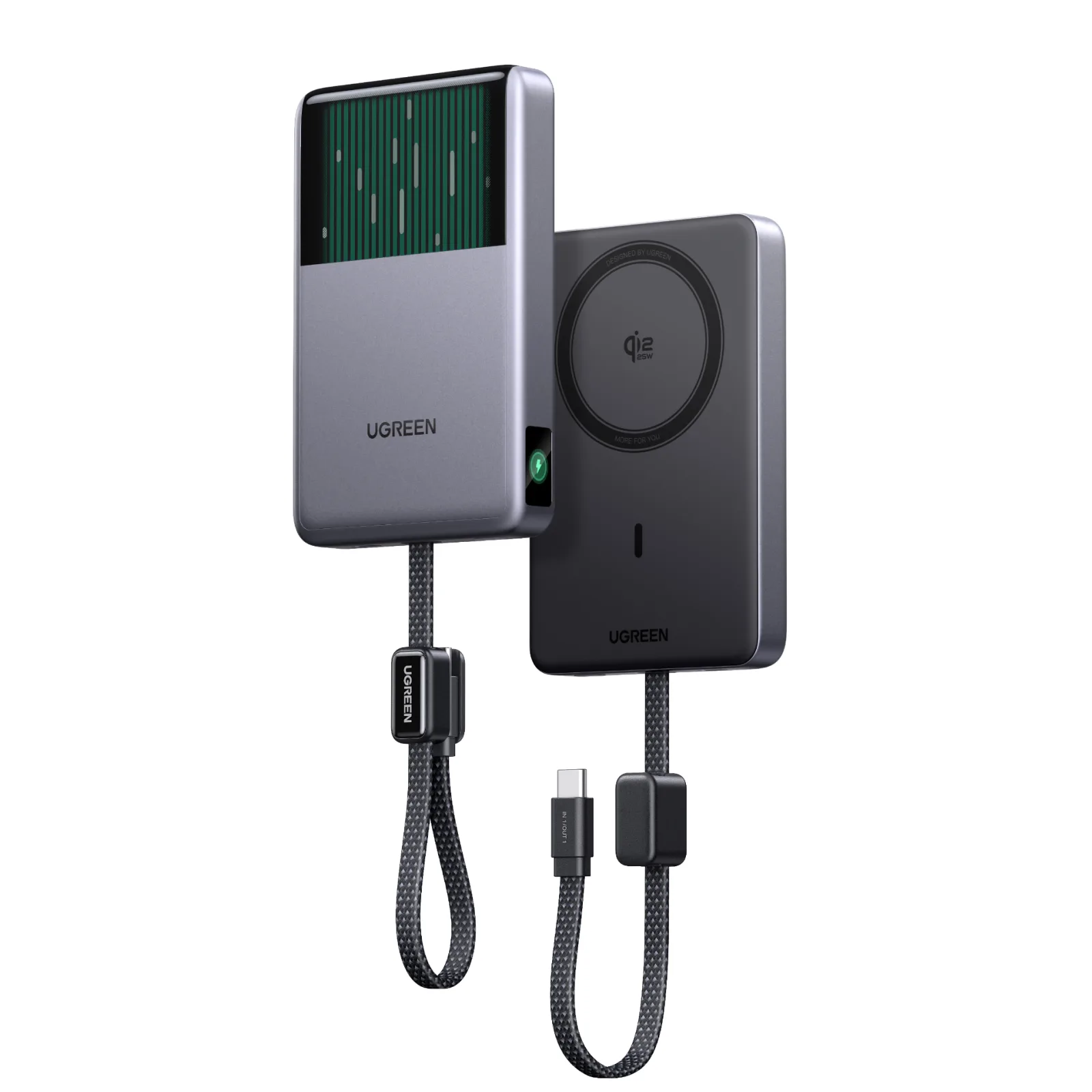
UGREEN supplied this unit for review, and after a few weeks of near-daily use, the question is whether there’s more to it than the bubbling window.
Bubbles on the Table
Everyone notices the cooling loop first. Some of those people were strangers, which tells you how unusual it looks for a power bank.
That kind of attention wears off quickly, though. After the novelty faded, I kept reaching for the MagFlow Pro for much more practical reasons, and those reasons are what the rest of this review is about.
Magnetic by Habit, Wired by Choice
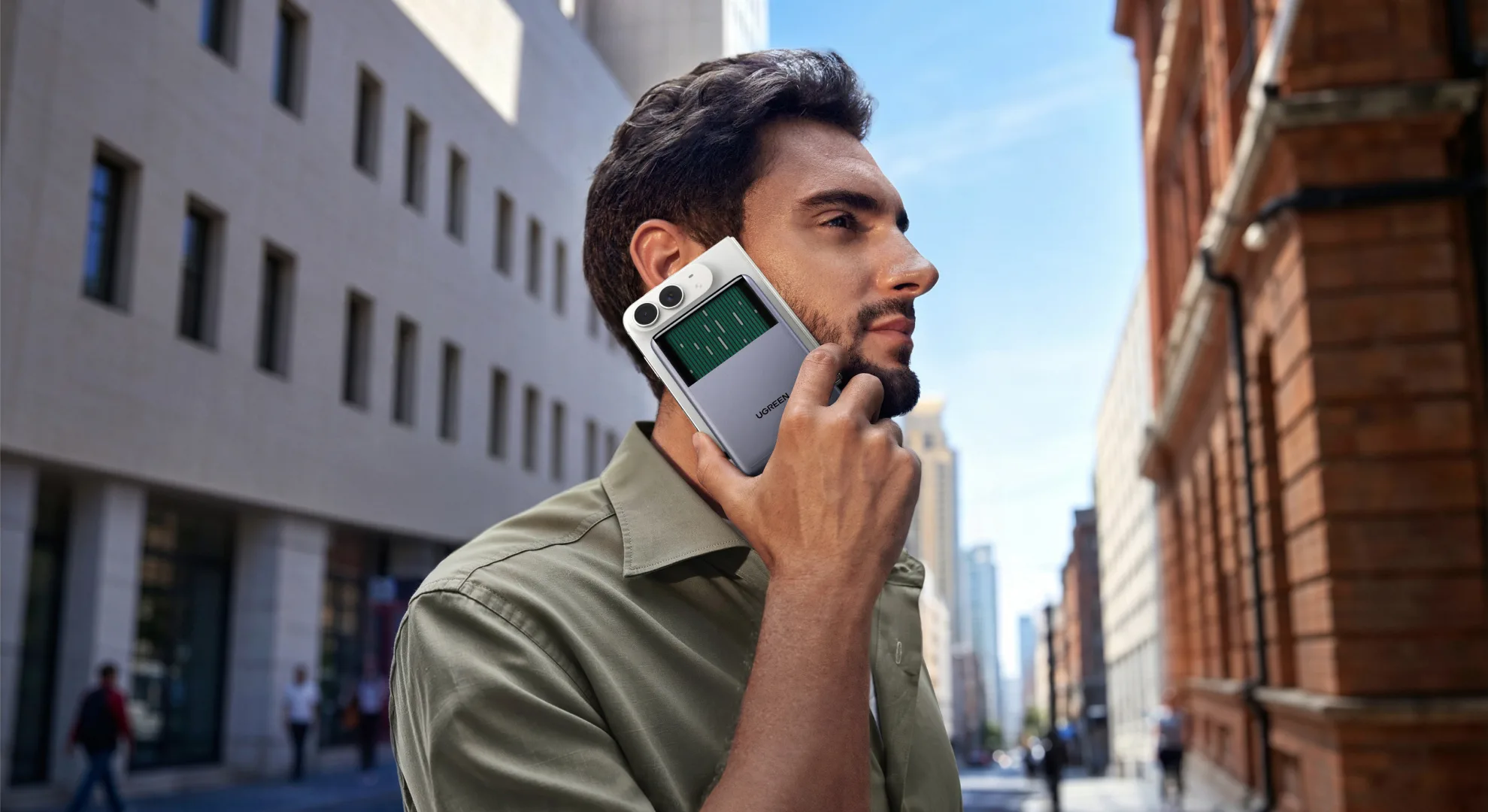
My testing context is simple. My MagFlow time was mostly spent out and about with an iPhone 17 Pro Max in an orange UAG Monarch case. I also had a Google Pixel 11 Pro in rotation, but the iPhone got most of the action.
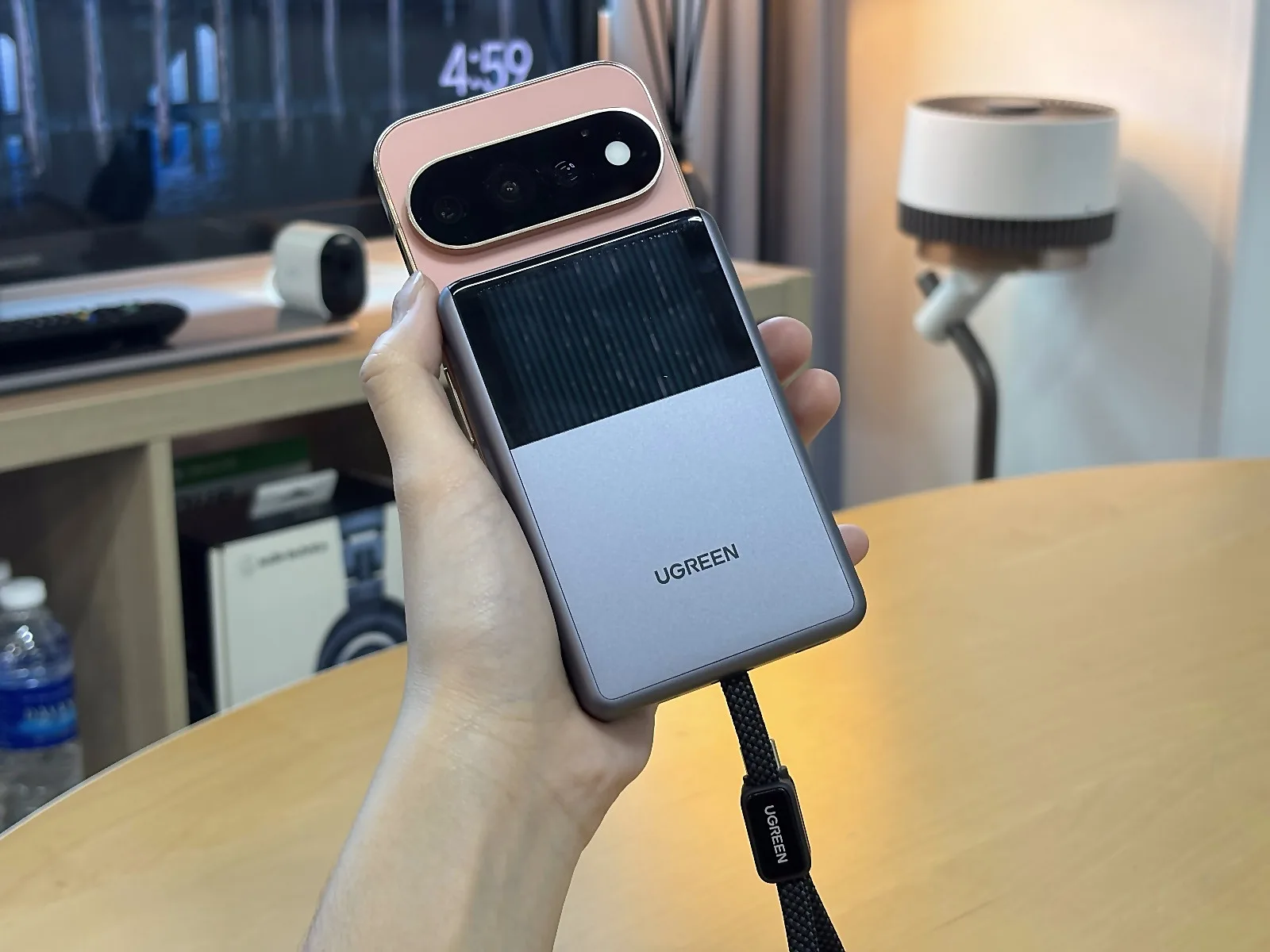
My preferred setup surprised me a little. I snap the bank onto the back of the iPhone magnetically, and then I charge through the built-in USB-C cable rather than wirelessly.
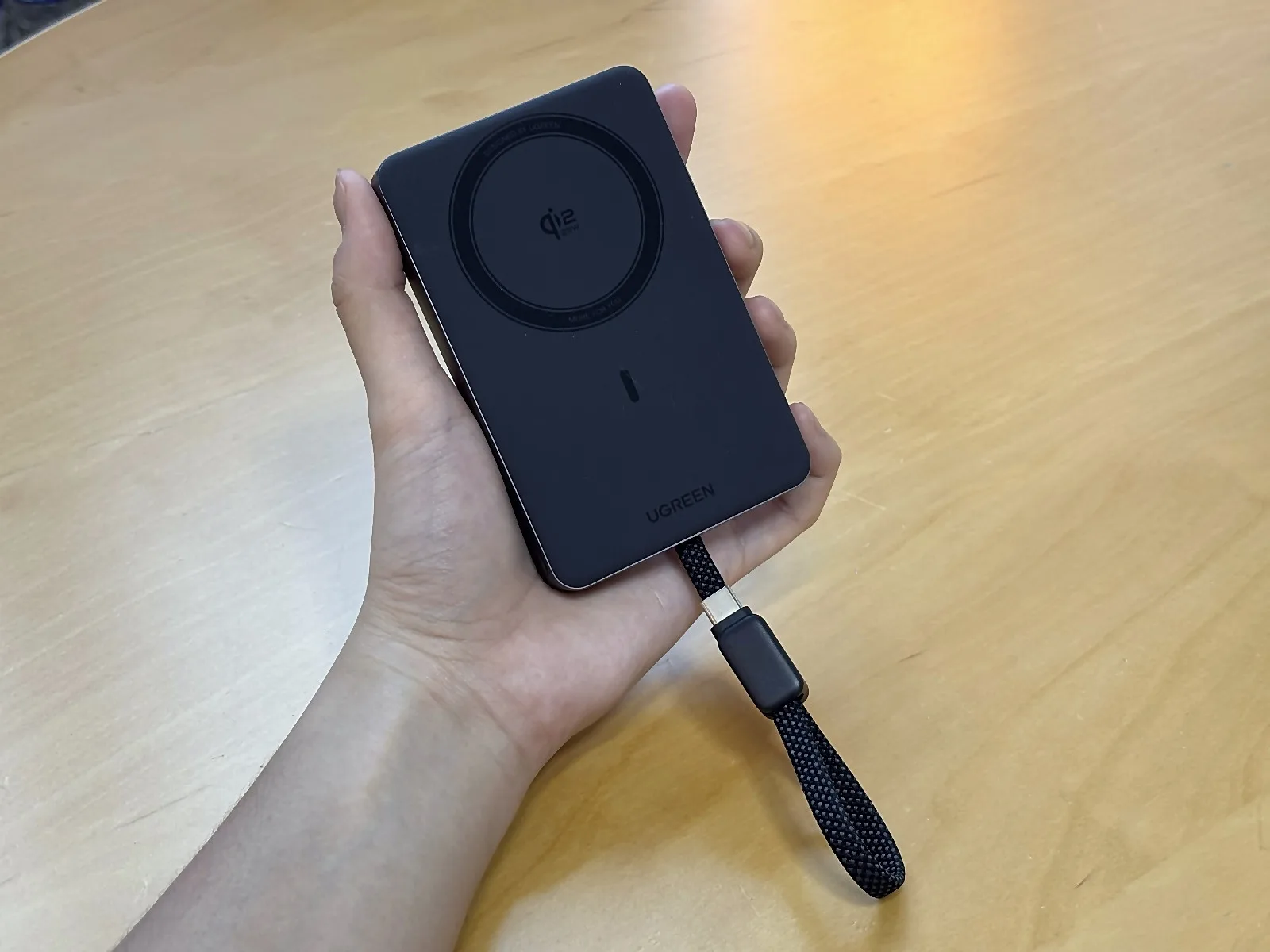
Wireless charging is decent, and it worked when I used it. It isn’t how I’d choose to top up my phone, though. What I value is the physical attachment: the bank stays on the phone, and I can still take the wired option without a separate brick dangling from my hand.
There’s a small bonus to this arrangement. If the magnetic hold ever comes loose, the USB-C connection gives me a second chance to catch the phone and bank together before they part ways. Please treat that as reassurance only, not a safety tether. I’d never let a phone hang from its charging port on purpose, and you shouldn’t either.
A Grip That Stays Put
The magnetic attachment through my UAG Monarch case is surprisingly secure. The Monarch is no thin, flimsy shell, so I half expected the bank to slide around, and it held firm throughout the review period. That observation applies to my case on my phone, though, so your results with a different case may differ.
In the hand, the MagFlow Pro feels smooth and comfortable. Lianhe Zaobao described an appreciable weight in its hands-on experience, but the thickness never bothered me in daily carry, and I’d call it comfortable for longer holds.
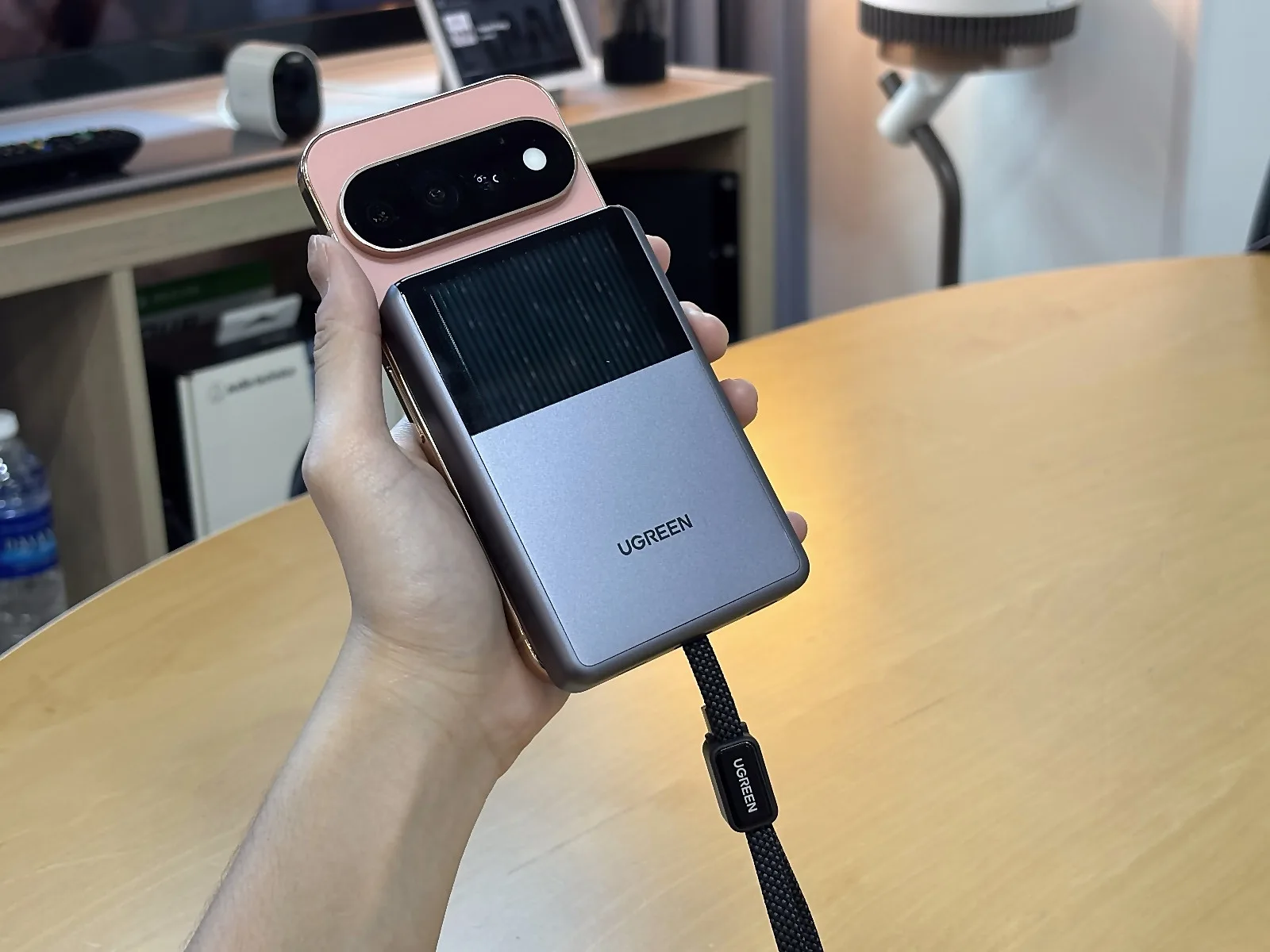
It also stayed out of the way. The bank never blocked the camera, clashed with the case, or got in the way of my fingers. I took plenty of photos with it attached and charging, which is a sneakily important test for anyone who tops up their phone while out shooting.
Small Top-Ups, Fewer Recharges
Working that way, I often went another couple of days before the bank itself needed recharging. That isn’t two days of full phone power, to be clear. It’s what happens when you sip rather than gulp.
The display makes this routine easy to manage. It shows the bank’s remaining battery percentage and the output wattage, so I always knew how much I had left and how hard it was working. One button switches between screens, and I figured it out without reading anything, which is the best compliment a button can get.
Over those few weeks I recorded no charging interruptions, no unusual drain, no inaccurate readouts, no unexplained shutdowns and no cable faults. Using the iPhone while it charged didn’t change things much, with one exception. In broad daylight outdoors, the phone could get hot while charging and in use.

So, Does the Cooling Do Anything?
Here’s my honest answer. The MagFlow Pro felt cooler than the power banks I used before, and it remained comfortable during longer sessions, including an extended stretch of holding the phone and taking photos. To me, it felt like more than decoration.
My evidence has limits, though. I mostly charged over the cable, and I ran no pump-on versus pump-off comparison, matched-temperature test or thermal-camera session. So I can tell you how it felt in my hands, but I can’t tell you the pump makes it charge faster or protects the battery long term.
Other reviewers fill in some of that picture. ZDNET’s Adrian Kingsley-Hughes ran thermal-camera checks and found the cooling changed how heat was distributed, while its advantage over passive cooling remained debatable. He also reported he couldn’t reproduce severe throttling without heavily overheating the unit. 9to5Toys reported improved handheld comfort but no dramatic charging-speed advantage, which lines up neatly with my own experience.
Not everyone came away impressed. Nextrift found the cooling and value less convincing, and that’s a fair counterpoint, since testing conditions and expectations differ. Lianhe Zaobao, on the other hand, described the cooling as effective in its hands-on time.
Buyer reviews on Reddit and Amazon include complaints about heat, throttling, capacity, shutdowns and value. I didn’t run into any of those in everyday use. Those reports are anecdotal, and the conditions behind them are unclear, so I’d read them as a reason to keep your receipt rather than as proof of a widespread fault.
Cables, Pouches and Planes
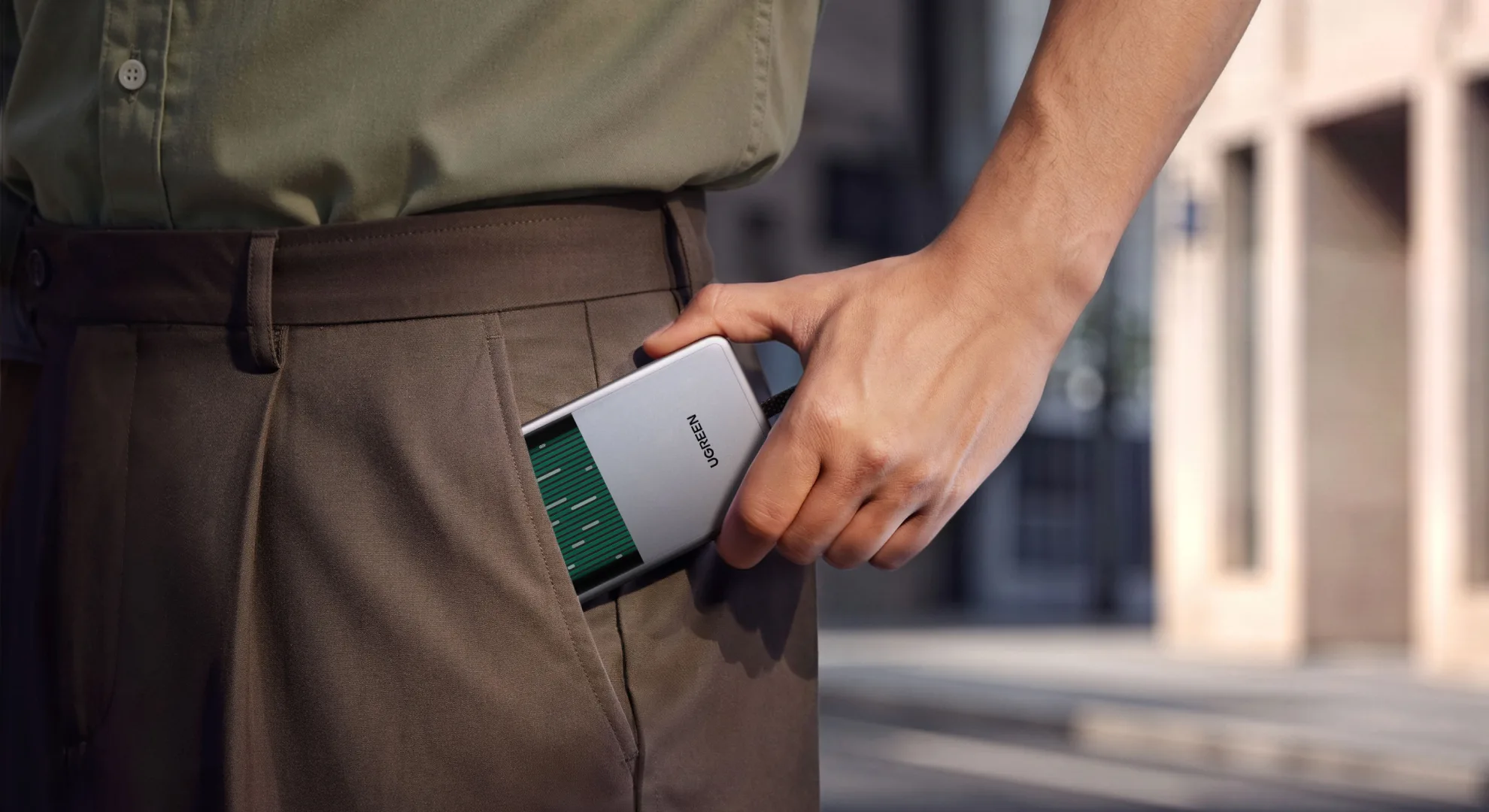
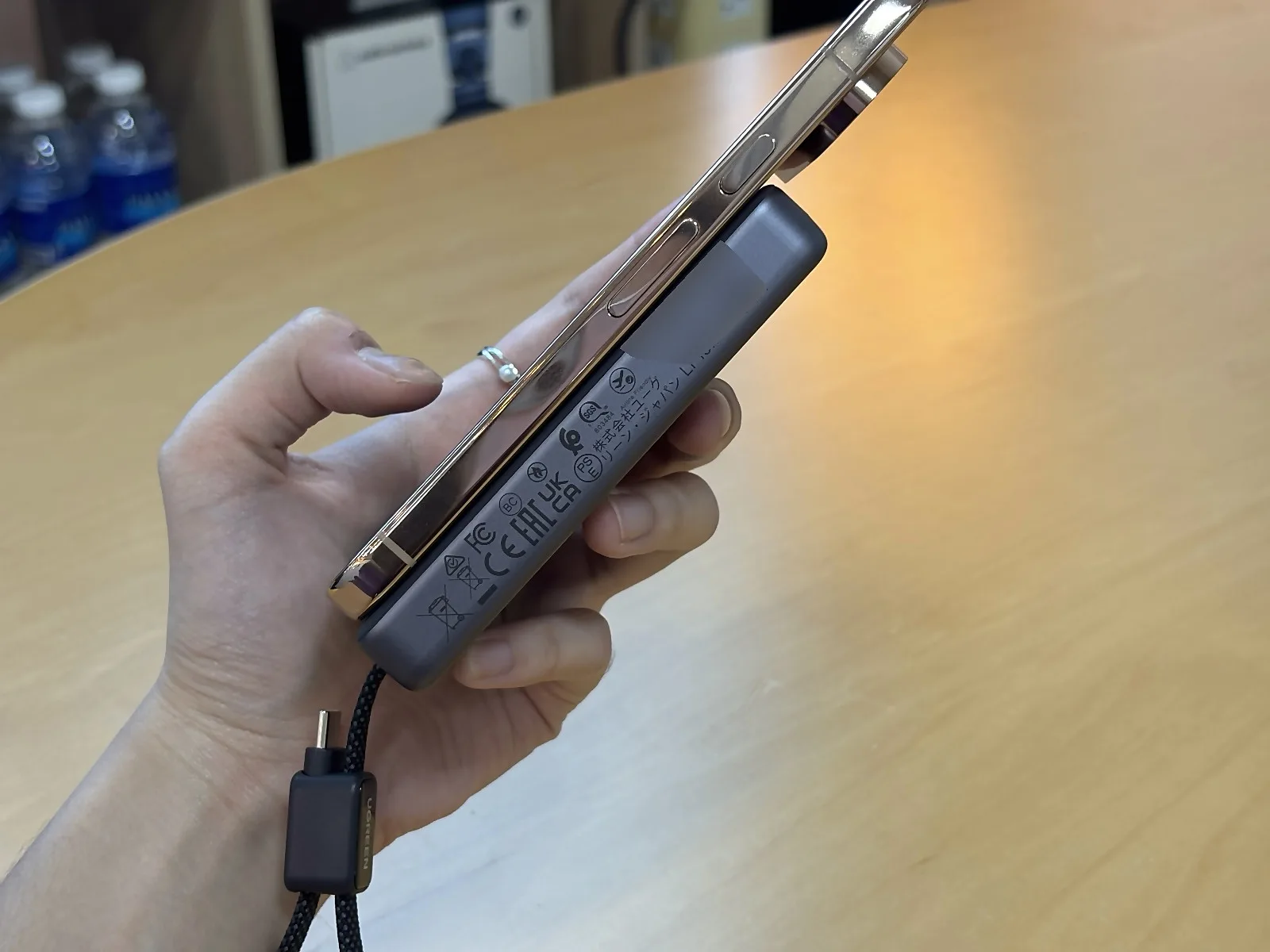
The built-in cable is the best part of the design and also its most awkward. When I put the bank into its bundled carrying pouch, I fold the cable to fit. That arrangement isn’t the most ergonomic, but I got used to it. One correction for anyone skimming spec sheets: this cable is built in and folds away. It isn’t a retractable reel.
There’s a separate USB-C port alongside the built-in cable. Both worked fine for me, and I didn’t notice a practical difference between them in daily use. I’m not claiming they share the same maximum output, though. Recharging the bank is flexible too, since I could use either connection depending on how far the wall socket was.
The unit carries an airplane marking, which is a welcome travel cue. It isn’t permission to use the bank on board. Check the printed battery rating on the unit and your airline’s current rules before you fly. Singapore Airlines, for example, allows up to two power banks, with units up to 100Wh not needing prior approval. They must travel in cabin baggage rather than checked bags, stay accessible rather than in the overhead compartment, and can’t be used or recharged during the flight. Other carriers and routes can set different rules.
How It Compares on Price
At UGREEN’s S$154 recommended price, the MagFlow Pro sits firmly in premium territory, and nobody should mistake it for a value pick. Retail prices and promotions can shift, so check the current listing before you buy.
If you’ve read our take on the Anker Nano Wireless Power Bank (A1665) or the Anker 45W Retractable Nano Power Bank (A1638), you’ll know there are plenty of ways to carry a spare 10,000mAh. The MagFlow Pro asks you to pay extra for the cooling loop, the display and the built-in cable, so it makes the most sense if you’ll use all three.
Specs at a glance
Figures below are as UGREEN lists them, not my own measurements.
- Wireless: Qi2 up to 25W
- Wired output: built-in USB-C cable and the separate USB-C port, each up to 45W; 45W total
- Recharge: USB-C input up to 30W; UGREEN lists about two hours for a full recharge
- Capacity: UGREEN’s guide lists a rated capacity of 6000mAh and two 5000mAh cells; the 10,000mAh in the name is the cell total
- Magnet: 8N magnetic force
- Cooling: CryoPulse liquid cooling (UGREEN’s own tests, not mine)
Frequently asked questions
How much is the MagFlow Pro in Singapore?
UGREEN lists a recommended price of S$154. Check UGREEN’s official store for current sale prices.
Does the cooling make it charge faster?
I can’t say. It felt cooler in my hands, but I ran no pump-on versus pump-off test.
Can I take it on a plane?
The unit carries an airplane marking, which is a travel cue and not permission to use it on board. Singapore Airlines, for example, allows power banks up to 100Wh in cabin baggage only, and neither using nor recharging them in flight.
Does it charge wirelessly or by cable?
Both. I prefer the built-in cable for speed and lower heat.
My score is 8/10. I found strong personal usability with no reliability problems over a few weeks, which is worth a lot. Price and minor stowage quirks hold it back, and I didn’t push sustained wireless charging hard enough to award a higher technical mark. This review covers a few weeks of near-daily use, not a long-term battery-wear study, and my findings only cover the phone and case combination I used.
The liquid-cooling window gets the attention, but the combination of a secure magnetic hold, a built-in cable and comfortable everyday use is why I kept taking it out with me.
If you’re already shopping for a premium magnetic power bank and like the idea of snapping it on and charging over a cable, the UGREEN MagFlow Pro 10,000mAh is easy to recommend, and easier still if you catch it below S$154. Check UGREEN’s official store for current pricing, colours and warranty terms in Singapore before you check out, and you might end up as the person at the café table answering questions about the bubbles!
Photos by Danish Lukawski of The DANAMIC Team; additional visuals courtesy of UGREEN.
UGREEN MagFlow Pro 10,000mAh (PB793)
S$154Pros
- A secure magnetic hold through my UAG case, paired with a built-in cable, makes a practical everyday combination
- Comfortable handling and a cooler-feeling bank in normal use, plus an eye-catching cooling loop
- A useful wattage and battery display, an intuitive single button, and flexible recharging that suits intermittent top-ups
Cons
- The price is my main hesitation, and I'd find it far easier to recommend at a lower figure
- Folding the cable into the pouch isn't especially elegant
- For my priorities of speed and heat, wireless charging is less compelling than the cable, and the phone can still get hot outdoors in the sun
Read us first on Google: add DANAMIC as a preferred source and our stories show up more in your Top Stories and AI results.