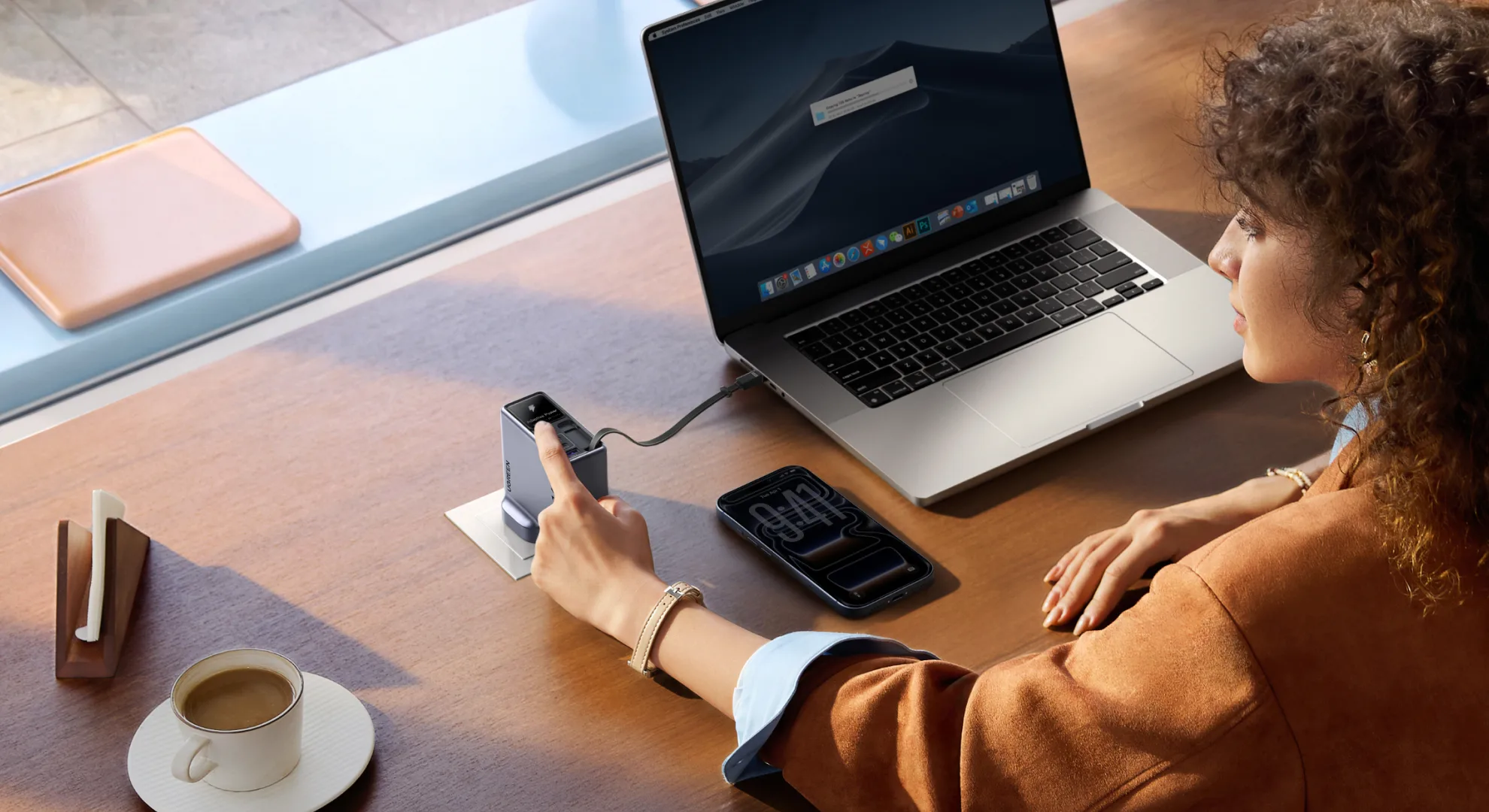
The UGREEN Nexode Pro 160W (model Pro X776, UK plug) usually sits on a power extender in my living room, though it follows me into the study whenever work decides to move rooms. UGREEN supplied the unit for review, and I’ve used the UK-plug version almost daily for a few weeks. It’s a 160W gallium nitride (GaN) wall charger with a retractable USB-C cable built into the body and a small screen that rotates to stay upright.
Here’s the honest starting point: I didn’t have a charging problem to solve. My desk already runs on UGREEN 100W GaN chargers and Apple’s official 140W MacBook Pro charger, and both do their jobs. What drew me to the Nexode Pro 160W was the promise of one less cable to remember, plus a live look at how much power is going where.
My Living Room and Study Shuffle
Most of my working week happens at home, and it’s rarely in one spot. I’ll move between the living room and the study with my MacBook Pro (M2 Max), wherever I happen to work, and grab the iPhone 17 Pro Max (dressed in an orange UAG Monarch case) for a quick charge between stops on work, home, and back-to-work days. I had a Google Pixel 11 Pro in the rotation too, but most of my phone time went to the iPhone.
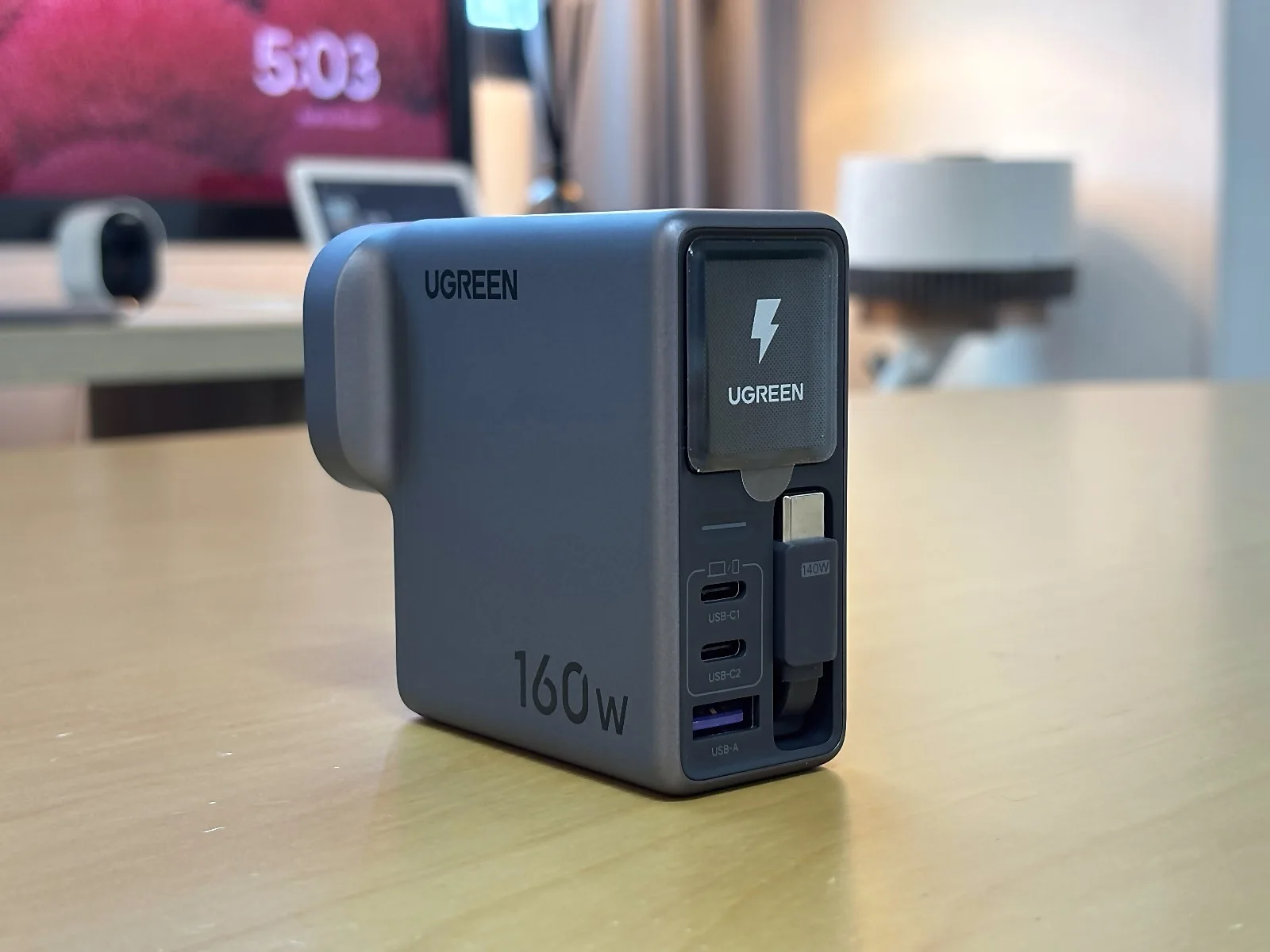
That routine is where a charger with its own cable makes sense. In the past I’d carry the brick from room to room and then realise the USB-C cable was still plugged in behind the sofa. With the Nexode Pro 160W, the cable travels with the charger, so wherever the brick goes, a working connection goes with it.
I also use it to charge the iPhone while I’m using it, which matters more than it sounds. A short top-up while replying to messages is my most common charging window, and having the cable right there makes those windows easy to grab.
The Retractable Cable Is the Whole Point
If you take one thing from this review, take this: the retractable USB-C cable is the reason to buy this charger. Over a few weeks of daily pulling, locking, and retracting, it has been smooth and trouble-free, without a single snag, stutter, or moment where I worried it wouldn’t wind back in.
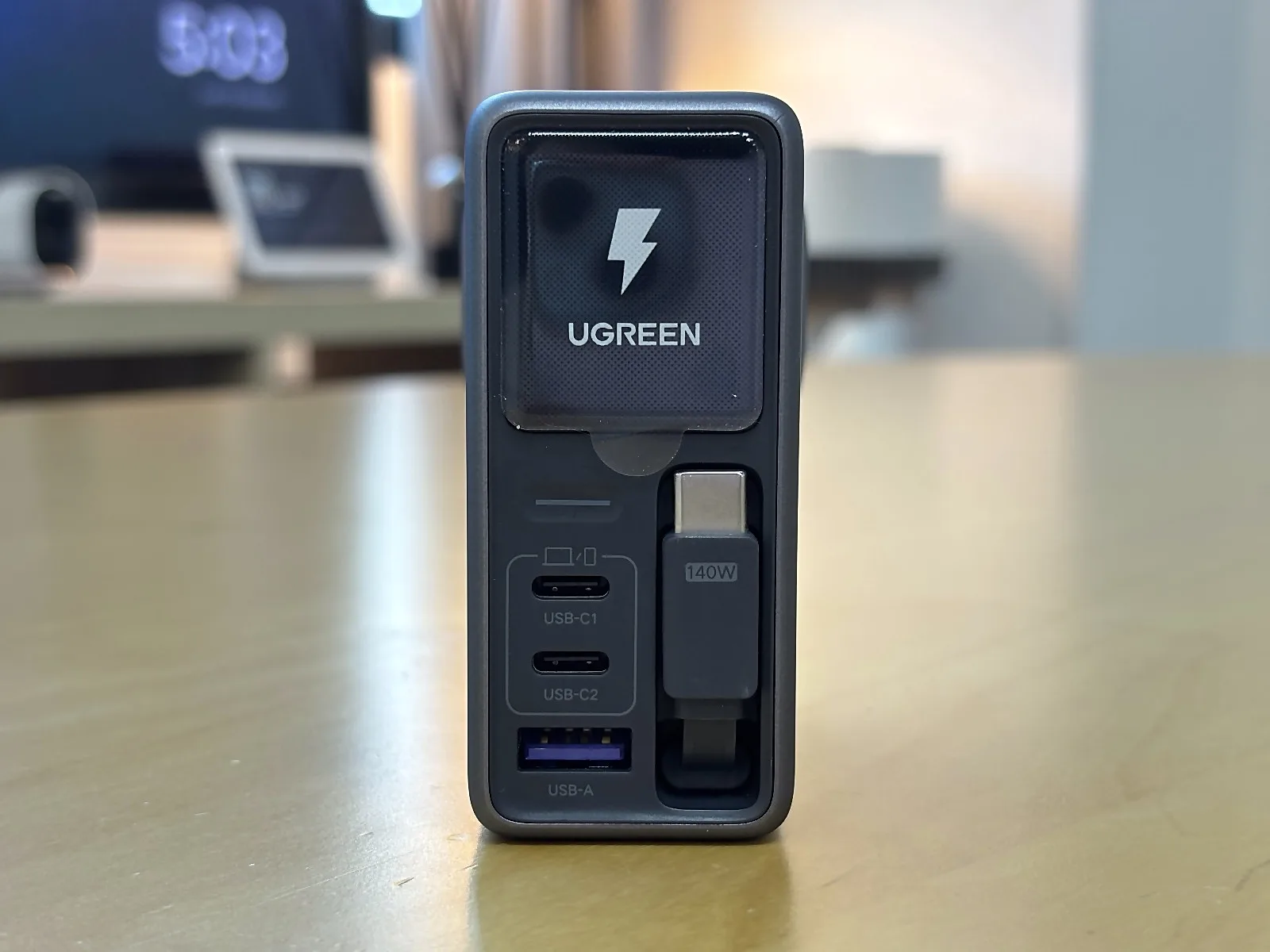
My main complaint is reach. When the outlet sits on the floor, or the phone is further from the socket than I’d like, I wanted a few more centimetres. It works well when the charger sits close to you on a desk or power extender. It’s less ideal when your only socket hides behind furniture, so check where your outlets are before you count on the built-in cable alone.
I’ve seen no early mechanical behaviour that makes me suspect the mechanism will fail. That said, a few weeks of use can’t predict how it holds up after a year or two. If a retractable cable on a power bank appeals more, we looked at one in our Anker 45W Retractable Nano Power Bank (A1638) review.
Folding Pins and Socket Fit
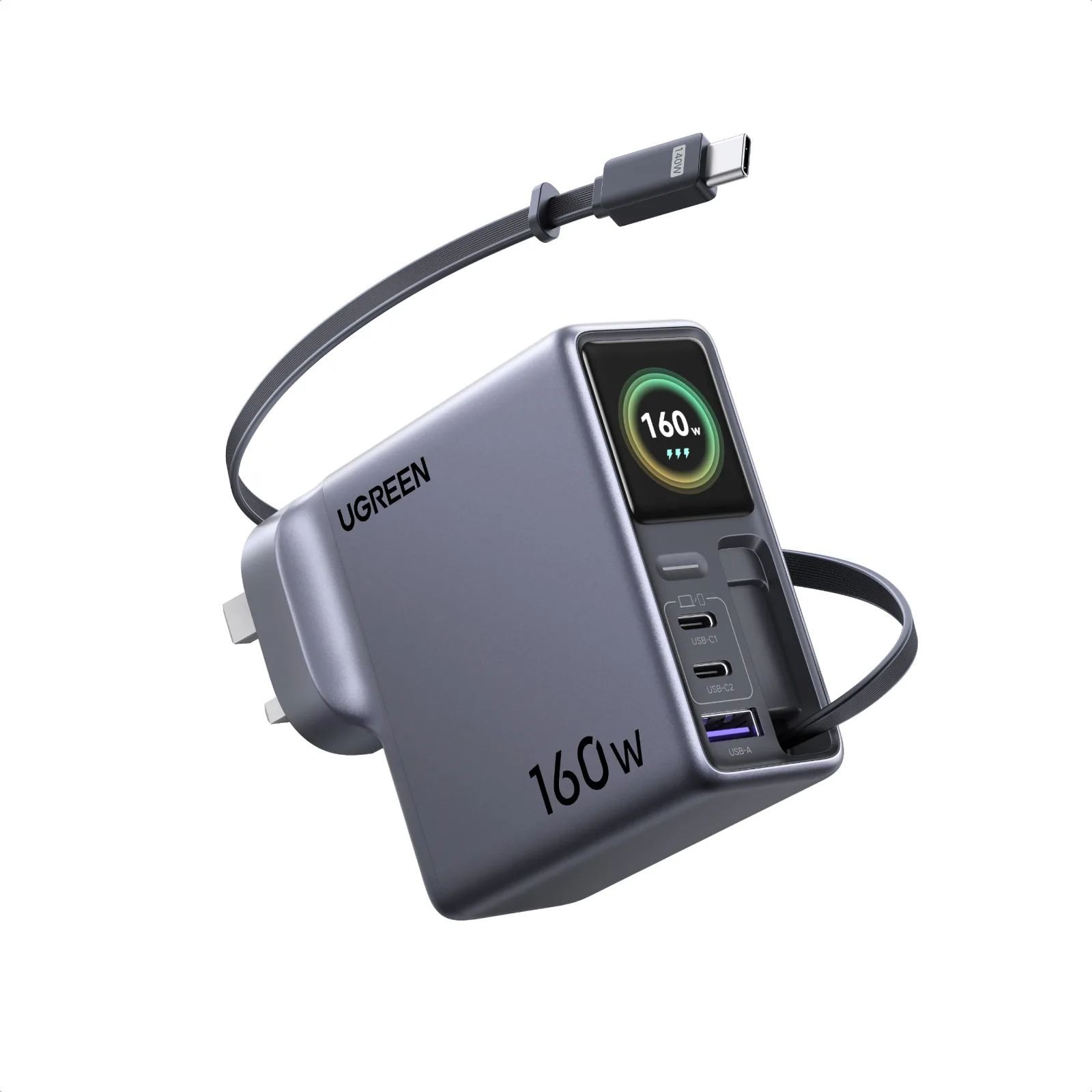
The UK plug’s pins fold flat, and I’m grateful every time the charger goes into my backpack. Exposed pins scratch everything they touch, so folding them away saves space and spares my other gear. In terms of size, it’s a substantial brick, roughly the same compromise you accept with Apple’s MacBook chargers. I found it acceptable.
Socket fit came with one caveat. On my older, worn power extenders, the charger could dislodge slightly. In newer wall sockets it sat firmly, which tells me the loose sockets were the issue rather than the charger. If your extender is that tired, replace it. That advice holds whatever you plug into it!
During a few accidental tugs at newer sockets, the cable tended to pop out of my device before the charger left the wall. That’s an observation from everyday use rather than a strength test. Your experience may depend on the socket you’re working with.
Charging That Stayed Out of the Way
Charging performance met my expectations with both the iPhone and the MacBook Pro. The iPhone regularly showed it was fast charging. In everyday top-ups I was seeing roughly 50% to 80% in around 20 to 30 minutes, though that was not a timed, controlled test. The MacBook charged well during normal work, though I didn’t log wattage or charging times. These were everyday impressions, not lab benchmarks.
The part that surprised me most was what didn’t happen. Adding a second device didn’t cause a slowdown I could notice, and I didn’t run into connection interruptions. That’s a meaningful contrast with my existing UGREEN 100W GaN charger, where I do hit interruptions from time to time. I can’t promise that holds for every port combination, but in my use the Nexode Pro 160W stayed quietly reliable.
It ran without any buzzing or electrical noise I could hear. It does get warm during prolonged use or when fast-charging several devices together. I didn’t run a sustained full-power test. Anyone planning to run a power-hungry laptop at full tilt for hours should note that I did not test that.
The Screen That Earned Its Keep
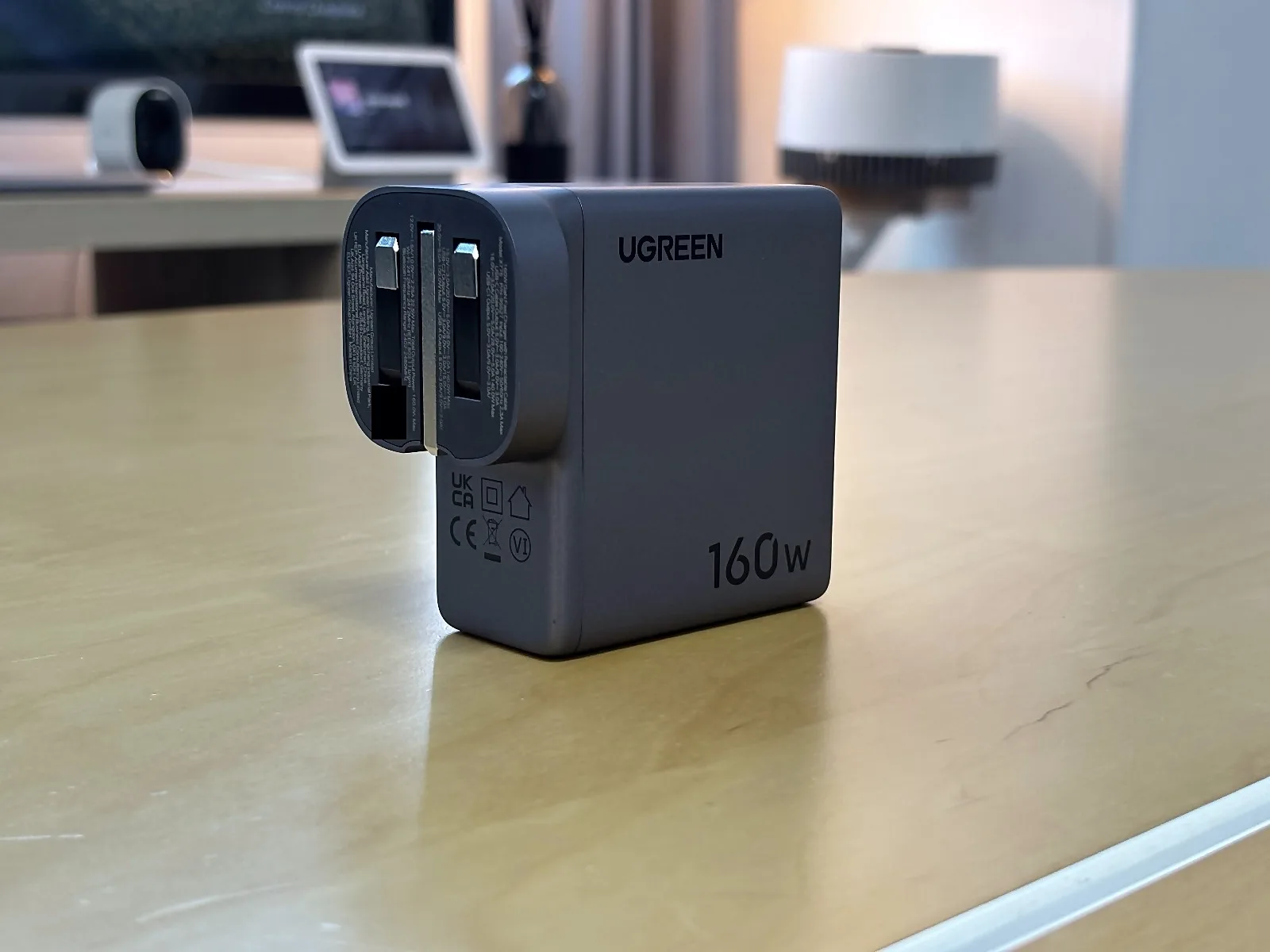
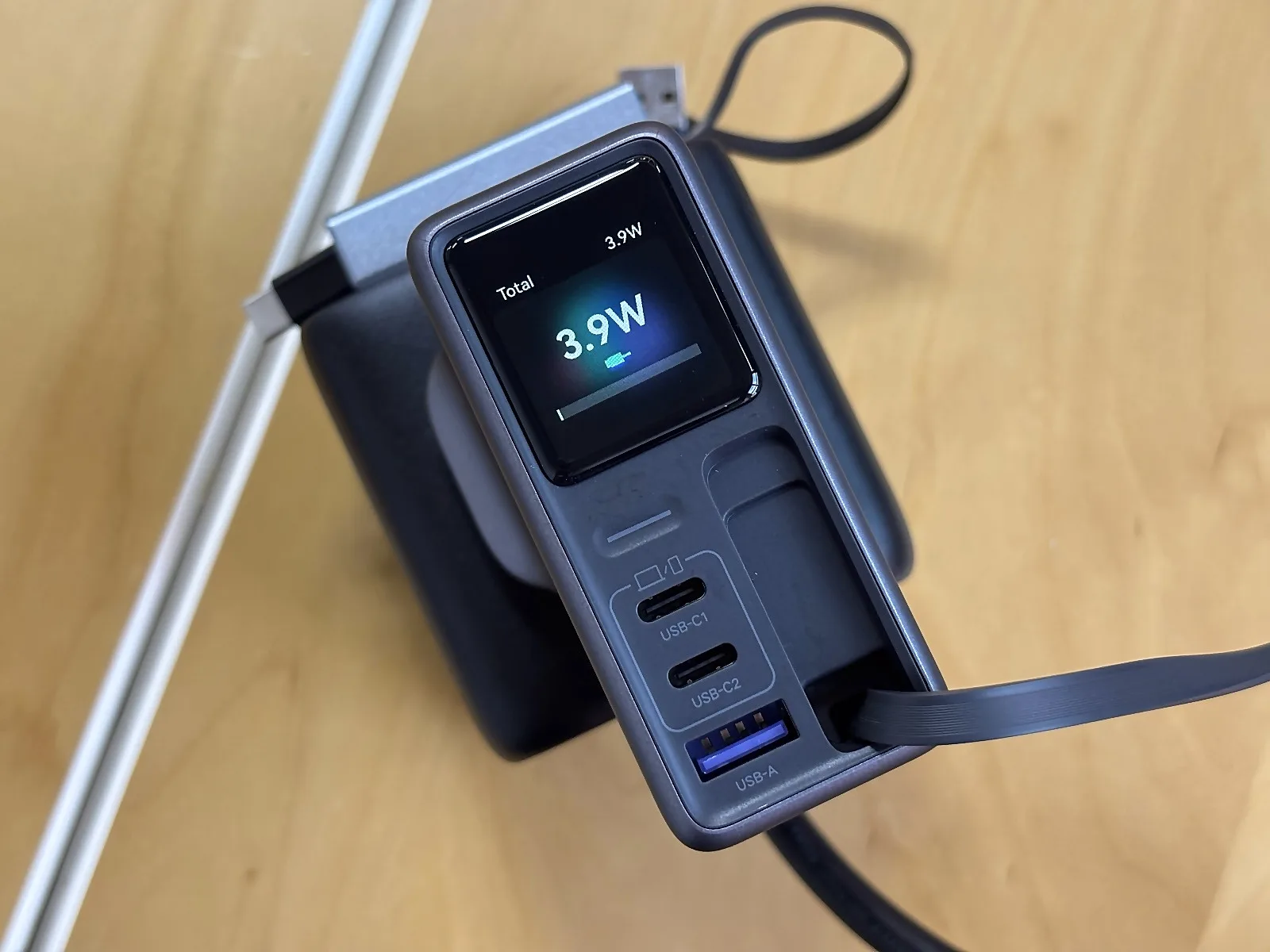
I’ll admit I expected the display to be decoration. It shows live wattage and a clock, and it rotates automatically to stay upright whichever way the charger is plugged in. That rotation turned out to be my favourite small detail.
Wattage is the reading I glance at most, mainly to confirm a device is drawing power during a short charging window. The clock is a minor bonus, though it has nudged me more than once when I’d lost track of time mid-task.
Then came the toothbrush. I plugged in my USB-C toothbrush, and the screen showed no power reaching it. Without that reading, I’d have assumed the toothbrush was faulty. Instead, the display helped me narrow the issue down to the cable and device combination: the toothbrush turned out to be happy with a basic, cheap USB-C to USB-C cable rather than a higher-spec charging cable. That one moment turned the screen from a party trick into a tool I’d miss.
UgreenConnect: Polished, but Not Essential
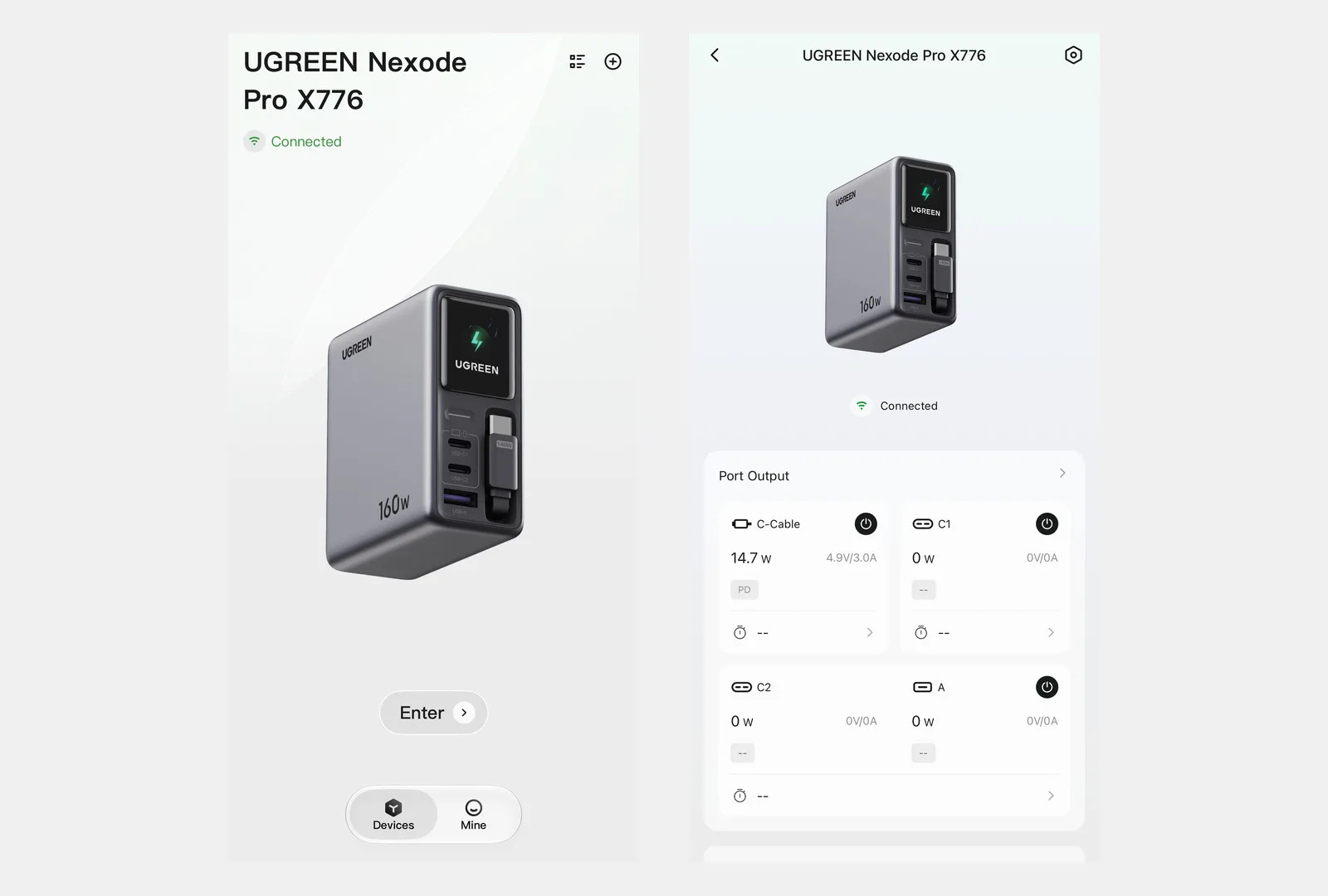
The charger pairs with UGREEN’s UgreenConnect app, which I used on iOS. Pairing took a few seconds and the app ran smoothly throughout. I didn’t hit any pairing trouble or rough edges during my use.
My frustration with the app is about what it connects to rather than how it behaves. In my setup, I couldn’t link the charger to Smart Life, Google Home, or Apple Home. What I wanted was voice control through Google Home or Siri to switch the charger off or check charging status. Without that, the app felt like a nice extra rather than a reason to own the charger. If it disappeared tomorrow, I wouldn’t miss it much, because the screen on the charger already tells me what I need.
Who Should Buy It
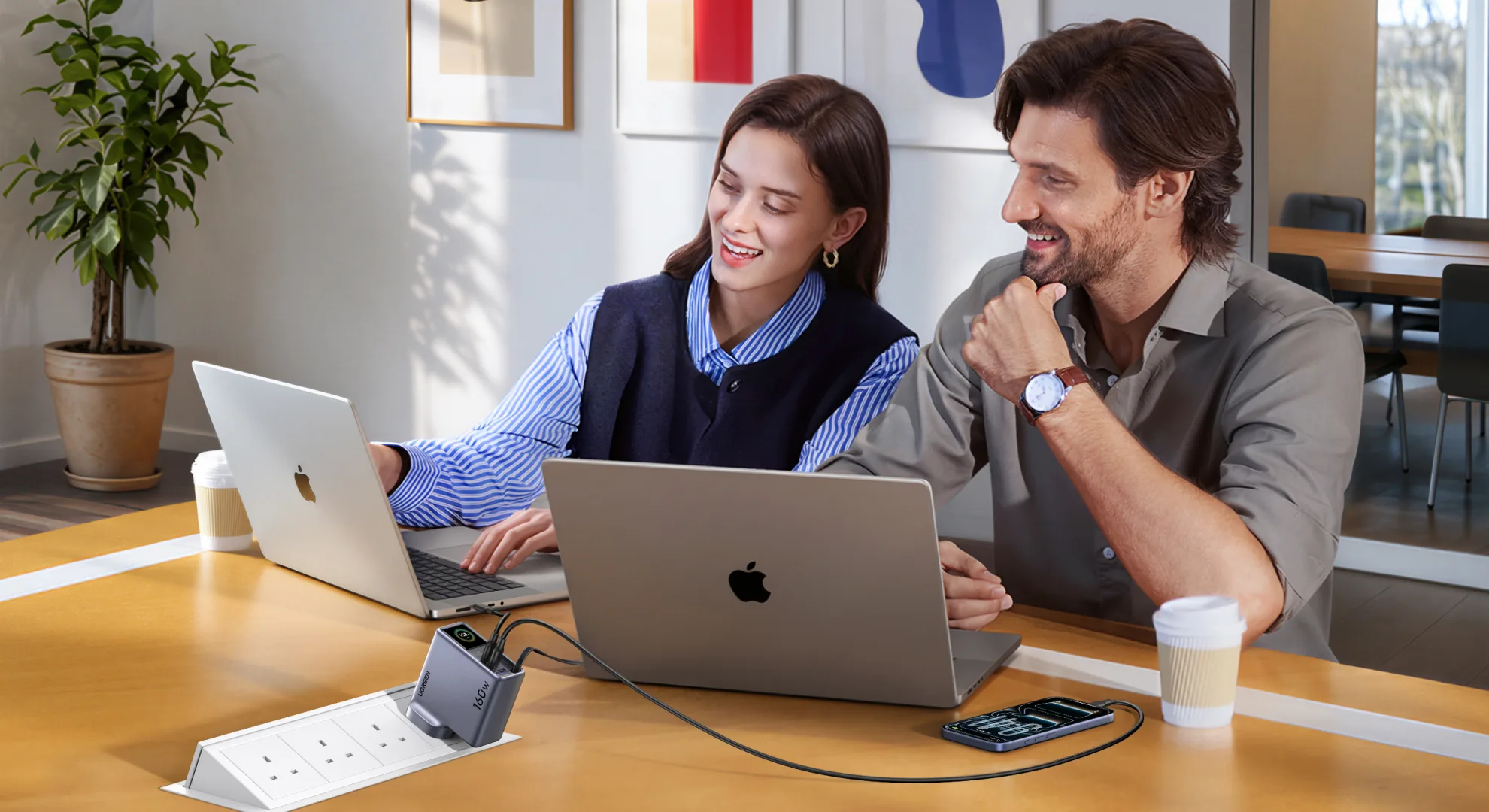
If your current charger works and you’re happy carrying a separate cable, there’s no urgent reason to replace it. The Nexode Pro 160W doesn’t fix a broken routine; it tidies up a working one. If you’re already shopping for a new charger, though, especially as a home worker who moves between rooms or someone who keeps forgetting cables, it’s an easy one to consider. UGREEN lists a Singapore recommended price of S$140; check UGREEN’s official store for current listings, since promotions change.
Specs at a glance
Figures below are as UGREEN lists them, not my own measurements.
- Total output: 160W maximum
- Ports: three USB-C (one is the built-in retractable cable) and one USB-A
- Built-in cable and USB-C1: up to 140W each; USB-C2: up to 100W; USB-A: up to 22.5W
- Cable length: 70cm
- Size and weight (UK plug version): 82 x 36.5 x 88.7mm, 347g
Frequently asked questions
How much is the Nexode Pro 160W in Singapore?
UGREEN lists a recommended price of S$140. Check UGREEN’s official store or other store listings, since sale prices and vouchers change.
How long is the built-in cable?
UGREEN lists 70cm. In my use that was fine on a desk and a little short for a floor-level socket.
Does it get hot?
It gets warm during prolonged use or when several devices fast-charge together. I did not measure temperature.
Is it only for laptops?
No. I used it for an iPhone and a MacBook Pro, and the live wattage on the screen is handy for small devices too, as my toothbrush showed.
The UGREEN Nexode Pro 160W earns its place through daily usability. The cable mechanism has been flawless, charging has been dependable, and the screen proved useful when a toothbrush refused to cooperate. The shorter-than-ideal cable and an app that stops short of smart-home integration keep it from a perfect score, and my few weeks with it can’t speak to long-term durability.
If I were shopping for a new charger, this would be high on my list, because the retractable cable is what makes the everyday difference and the screen is the bonus I ended up using more than I expected!
Photos by Danish Lukawski of The DANAMIC Team; additional visuals courtesy of UGREEN.
UGREEN Nexode Pro 160W (X776)
S$140Pros
- A smooth retractable cable that removes one item from your charging kit
- An auto-rotating wattage display that helped me troubleshoot a real problem
- Reliable daily phone and laptop charging, plus folding UK pins that make backpack storage easier
Cons
- The built-in cable could be longer for floor-level or distant sockets
- The app lacks the wider smart-home and voice integration I wanted
- It's still a sizeable brick that warms up during long, multi-device sessions
Read us first on Google: add DANAMIC as a preferred source and our stories show up more in your Top Stories and AI results.