Anyone who has streamed off a laptop camera knows the look. A hand reaching for a drink turns into a smear, and a face dissolves into grain the moment the room lamp dims. Razer is pitching a fix for creators who want better footage without hauling a Digital Single-Lens Reflex (DSLR) camera, a capture card and a nest of cables onto their desk.
The Razer Kiyo V2 Pro was announced on 24 September 2026. It’s a USB webcam that records 4K video at 60 frames per second (FPS), and it went on sale straight away for US$299.99 (€319.99 in Europe). That’s a serious amount to spend on a webcam, so the useful question is who gets their money’s worth.
Why 60 FPS Matters on Stream
Frame rate is simply how many still images a camera captures each second. Doubling it from 30 to 60 halves the gap between those images, which is what stops a head turn or a quick gesture from blurring into mush. Plenty of 4K webcams, such as the OBSBOT Meet 2, top out at 30 FPS at full resolution, so the Kiyo V2 Pro’s jump to 60 is the upgrade streamers will notice first.
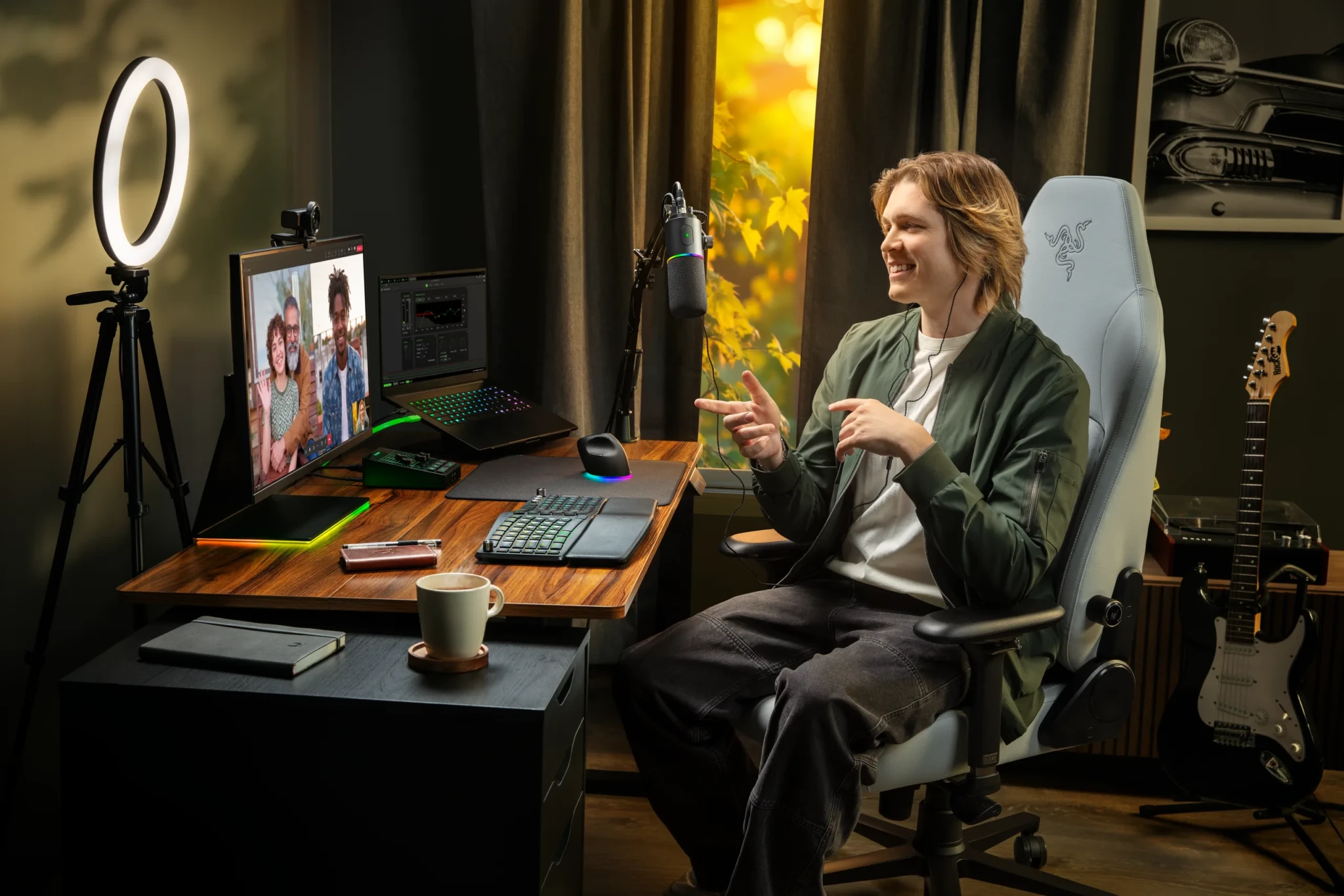
The claim holds up outside Razer’s marketing. CGMagazine reached 4K at 60 FPS in its testing and scored the camera 8/10, while MMORPG.com confirmed both 4K60 and 1440p60 modes and called it “superb”. For anyone who talks with their hands on camera, that smoothness is worth more than raw resolution.
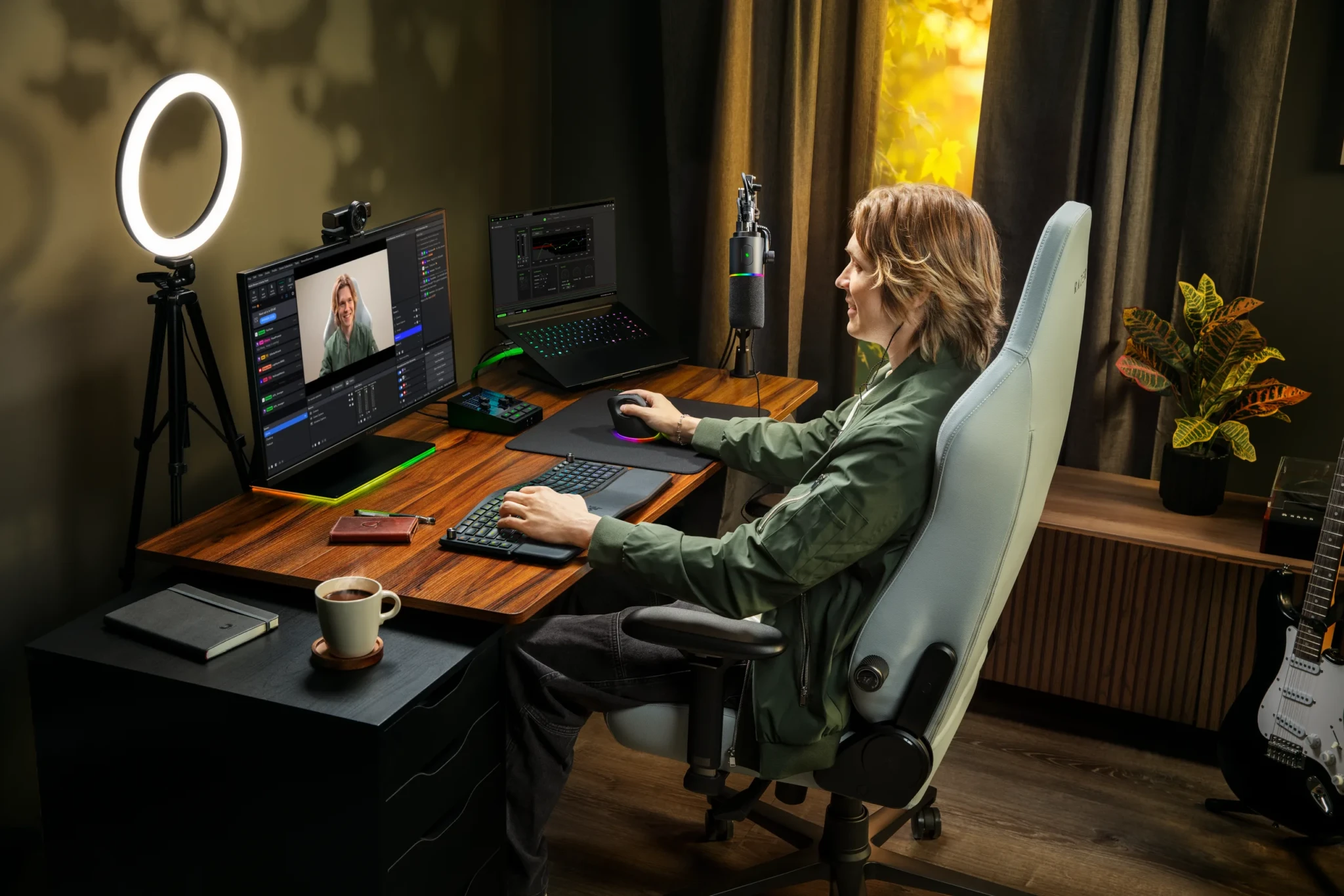
The lens covers 86 degrees, a little narrower than the older Kiyo V2. CGMagazine counted that as a trade-off, but Engadget argued the tighter angle keeps 4K footage sharper and cuts the fisheye warping at the edges. For a streamer who wants the glowing keyboard and second monitor in shot, 86 degrees still takes in a generous slice of the desk, and the corners won’t bend like a funhouse mirror.
A Mount That Moves With You
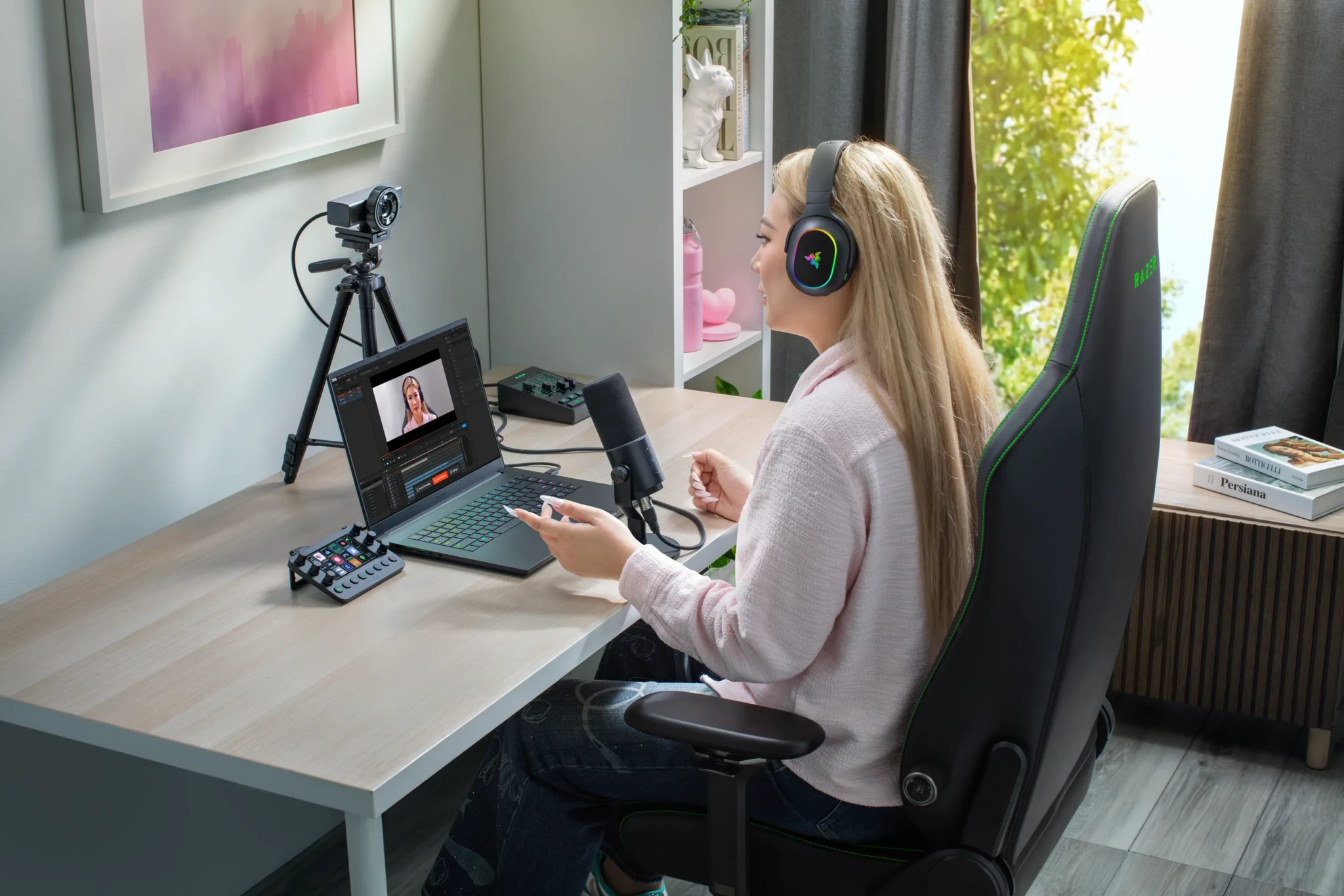
Razer built the Kiyo V2 Pro around a universal pivoting mount that sits on top of a monitor or on a tripod. That flexibility matters more than it sounds for podcasters, who usually want the camera at eye level beside the microphone rather than peering down from the top of a screen at an unflattering angle.
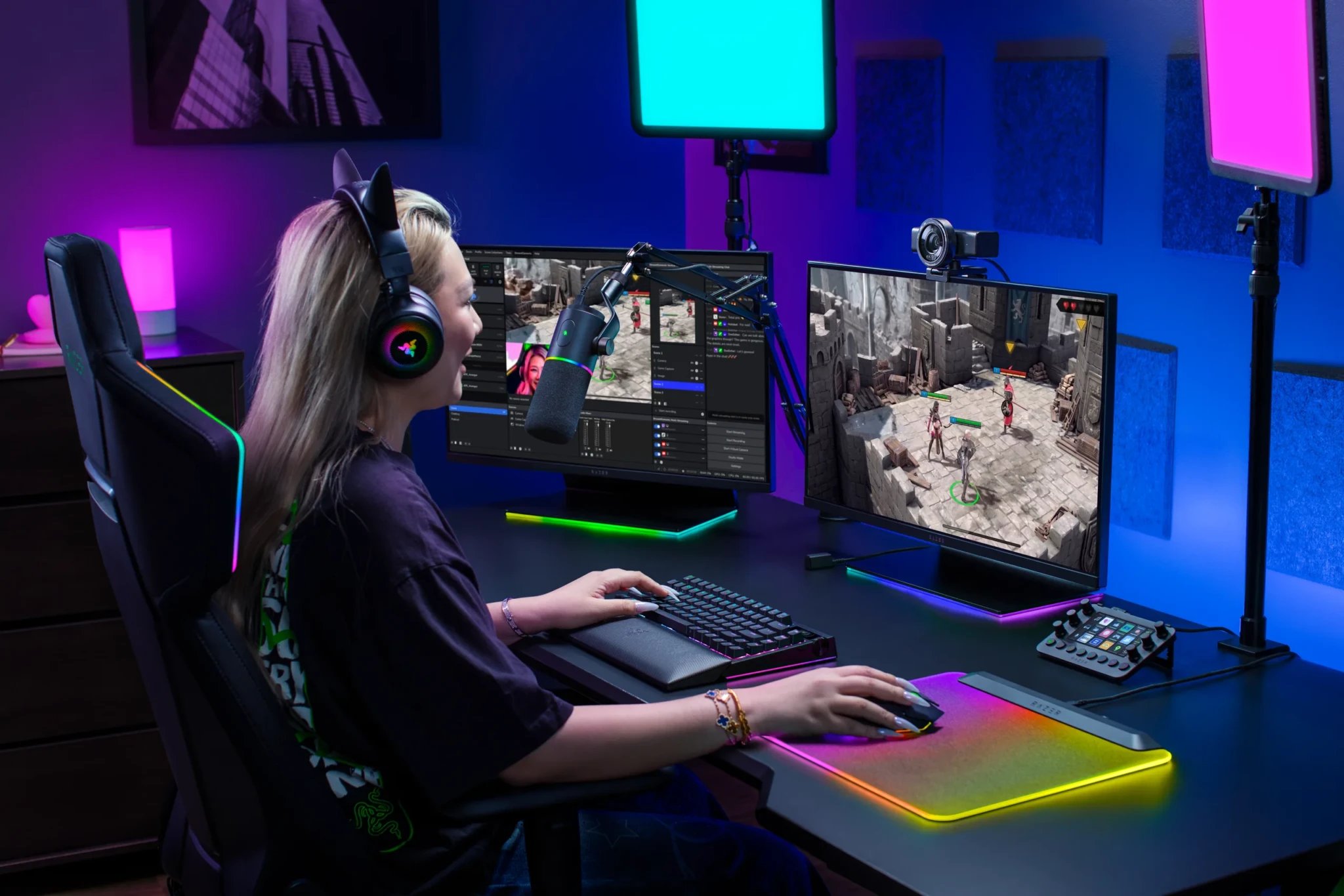
There’s an integrated privacy shutter too, which closes with a simple twist of the lens housing. It’s a small touch, but it’s a welcome one for anyone whose streaming corner doubles as a bedroom in a busy HDB flat (Singapore’s public housing, where most of us live).
Made for Dim Rooms and Late Sessions
The camera runs on a Sony STARVIS 2 sensor. It’s back-illuminated, which in plain terms means the wiring sits behind the light-catching layer, so each pixel gathers more light when the room is close to dark. Razer pairs it with Ultra-High Dynamic Range (UHDR), a mode designed to hold onto detail in bright highlights and deep shadows at the same time, so a window behind you doesn’t swallow your face.
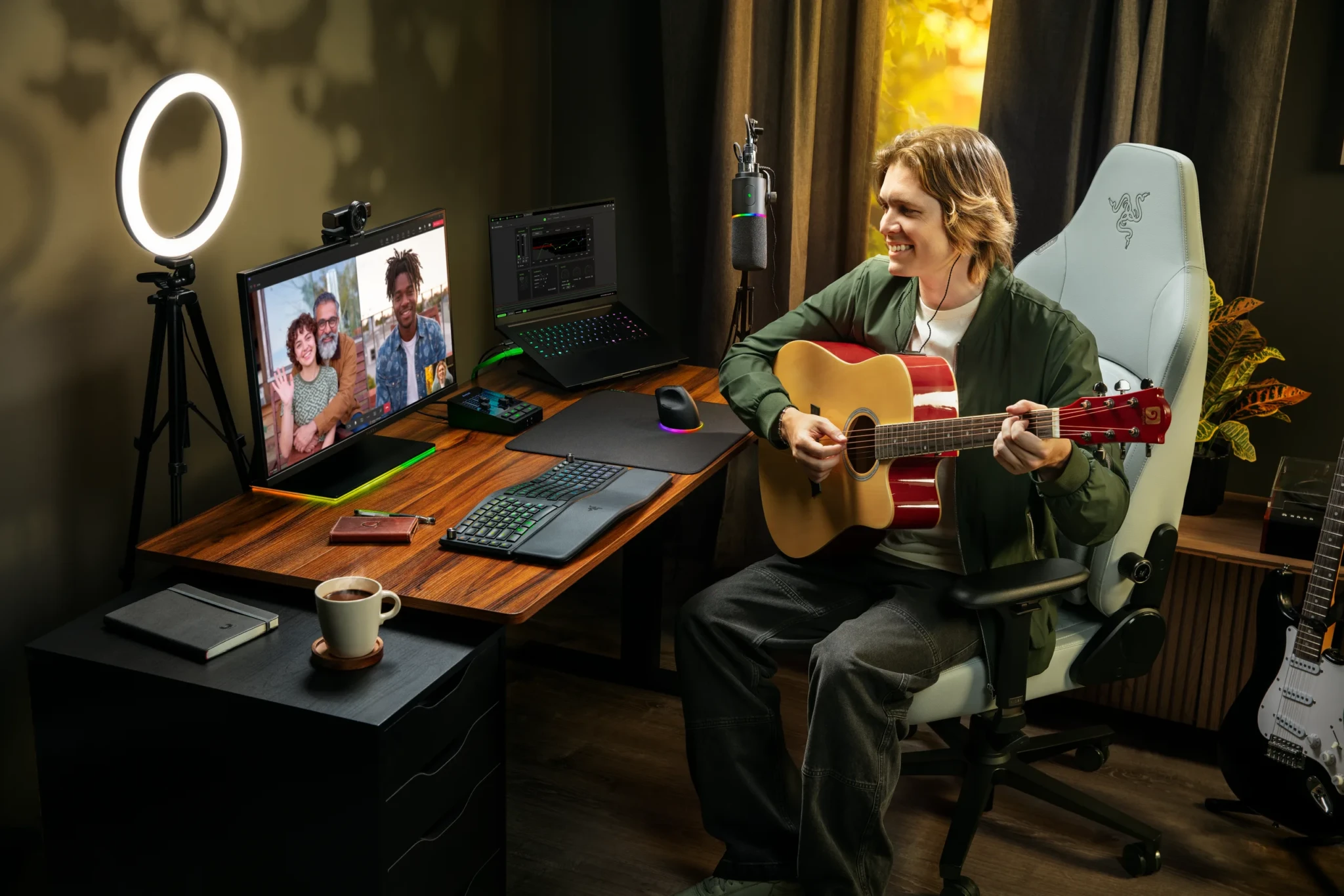
For creators who don’t want to fiddle with settings, One-Click Image Enhancement adjusts exposure, white balance and noise reduction automatically. Those who do want to fiddle get DSLR-style controls for colour and sharpness in the software. Musicians practising after dinner under a single warm lamp are the clearest winners here, because that’s exactly the lighting that turns cheaper webcams muddy.
Auto-framing rounds out the package, using dynamic pan, tilt and zoom to keep a creator centred while they reach for equipment or shift in their chair. That’s handy during product demos, when your hands and the gadget you’re holding keep drifting out of frame.
The Software Catch
Here’s the fine print. Auto-framing and the advanced controls sit behind software, and Razer has partnered with Camo Studio to bundle a complimentary Camo Pro subscription to unlock them. CGMagazine singled out that reliance on extra software as the Kiyo V2 Pro’s biggest drawback, and it’s a fair gripe for a camera costing this much.
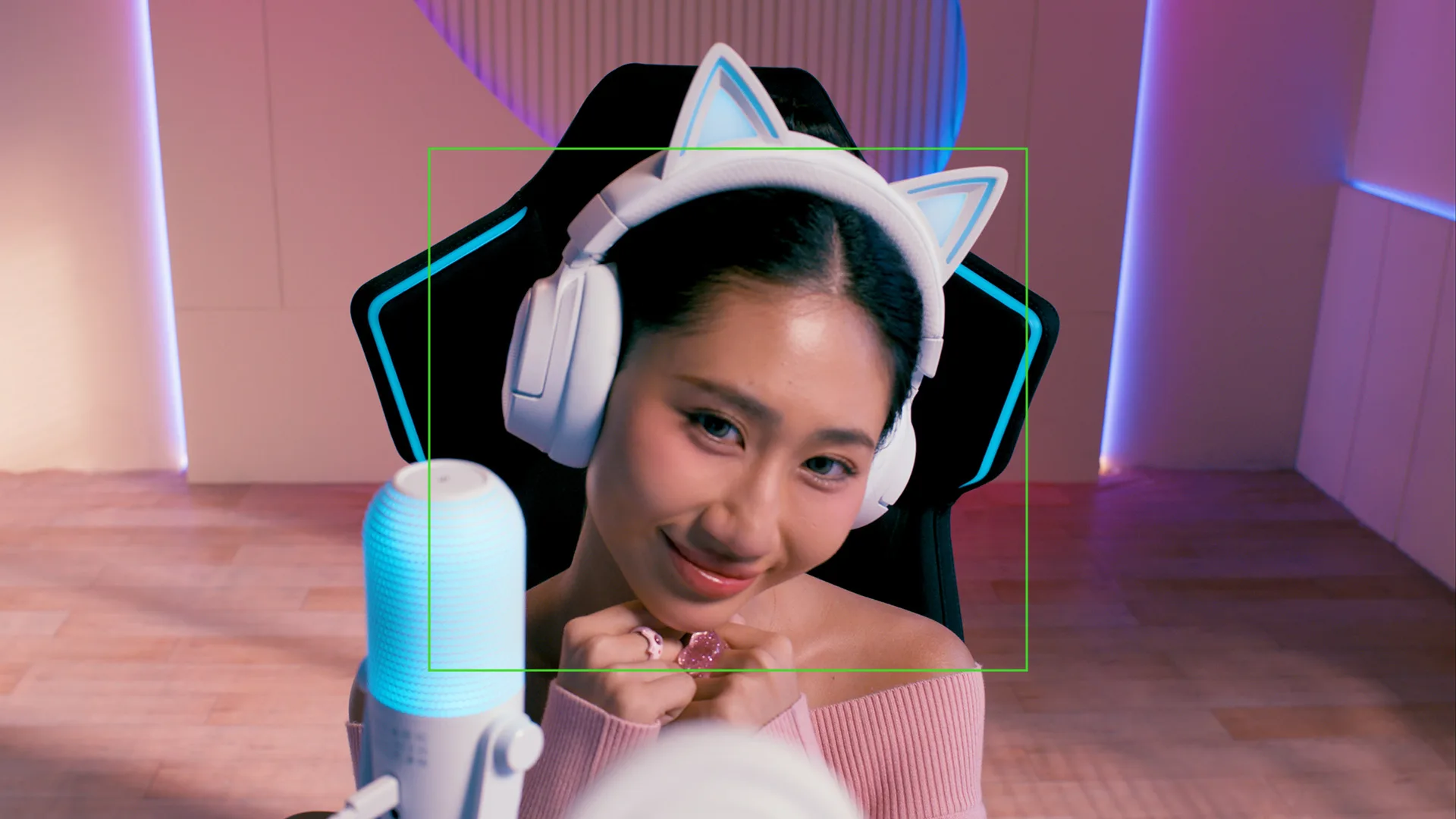
TweakTown flagged a practical wrinkle as well: 4K60 support inside specific streaming and recording apps hasn’t been confirmed. Before buying, check that your streaming software handles 4K60, that your computer has a USB port with enough bandwidth, and that your room has decent light. The sharpest sensor on the market can’t rescue a stream from a PC that chokes on the feed.
Premium Money, Not Pocket Money
Let’s be honest about the price. At US$299.99, the Kiyo V2 Pro is far simpler than a DSLR rig, but it’s still a premium webcam rather than a starter one. Basic Tutorials reported the standard Kiyo V2 selling for about €150 to €170 in Europe, so the Pro costs roughly double for its frame rate and extras.
Singapore shelves give useful context. Razer’s own store lists the Kiyo V2 at S$239 and the cheaper Kiyo V2 X, which already does 1440p at 60 FPS, at S$149. Logitech’s local store has the 4K MX Brio at S$349, and Creative’s Live! Cam 4K sits at S$89. Shop carefully too: GamesRadar spotted an Amazon listing at US$349.99, a full US$50 above Razer’s own price.
The Kiyo V2 Pro is the latest arrival in a busy September for the brand, landing days after the Razer Tartarus V2 Pro keypad and a few weeks after the Razer Clio X speakers.
Who Should Buy It
The strongest case is for creators whose content moves: guitarists, fitness streamers and anyone doing hands-on product demos, where 60 FPS keeps fast motion clean. Podcasters who want a tripod-mounted camera at eye level, without learning how a DSLR and capture card talk to each other, come a close second.
If the goal is looking less washed out on Zoom or streaming mostly static gameplay with a face cam in the corner, the Kiyo V2 X at S$149 already gives you 1440p at 60 FPS. That’s half the spend for most of the smoothness, and the leftover cash buys a proper light, which will do more for your picture than any extra pixels.
So the Kiyo V2 Pro doesn’t make a creator setup cheap. What it does is make a polished one simpler, and for creators who’ve been eyeing a DSLR rig and dreading the cables, that swap is worth US$299.99.
The full spec sheet and list of stockists sit on the Razer Kiyo V2 Pro product page, and the rest of the Razer Kiyo line is there for anyone weighing the cheaper siblings side by side. Check your lighting and your streaming software first, then pick the camera that fits your content. Your future viewers will notice the difference!
Photos and Visuals courtesy of Razer.
Read us first on Google: add DANAMIC as a preferred source and our stories show up more in your Top Stories and AI results.